 By
By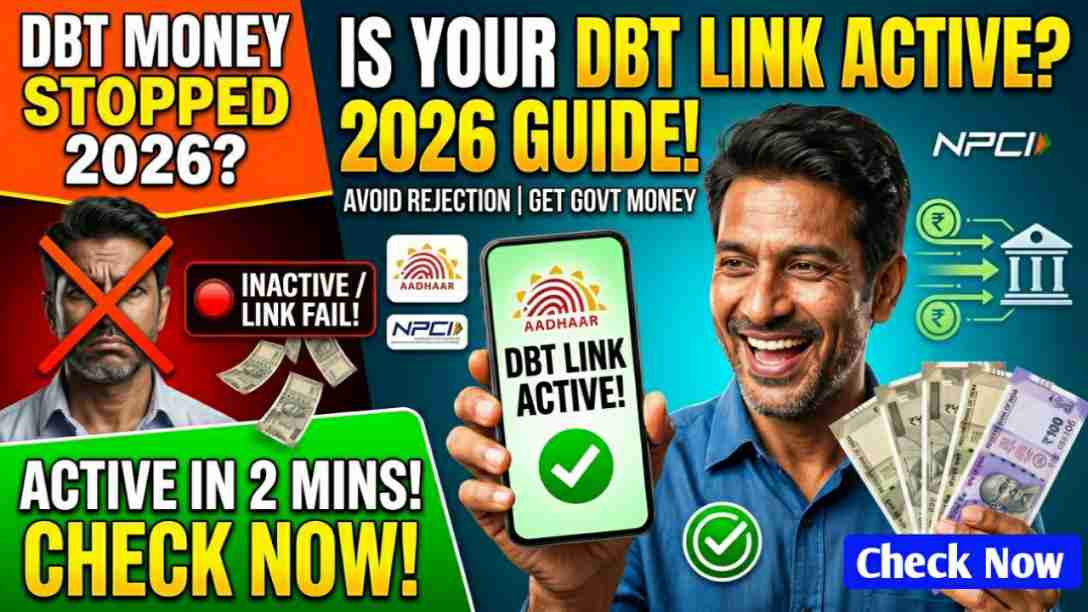
DBT is a good system. It puts money directly in your hands. But the system works only when your Aadhaar and bank account are talking to each other. Checking the DBT link online in 2026 is not hard. You do not need to be a tech expert. You do not need to stand in a queue. You just need your Aadhaar number, your registered mobile phone, and a few minutes of time.
DBT Link Status Check Online Through the UIDAI Website
The NPCI has a dedicated tool called the Bharat Aadhaar Seeding Enabler (BASE). You can use this platform to check your mapping status directly.
Steps:
-
Go to the official UIDAI website: uidai.gov.in
-
Look for the “Aadhaar Services” section.
-
Find the option that says “Check Aadhaar & Bank Account Linking Status.”
-
Enter your 12-digit Aadhaar number.
-
Type the security code shown on the screen.
-
You will get an OTP on your mobile number registered with Aadhaar.
-
Enter the OTP and click submit.
The screen will show whether your bank account is linked to your Aadhaar or not. If it is not linked, you will see a message asking you to seed your Aadhaar.
DBT Link Status Check Through the NPCI Website
NPCI is the National Payments Corporation of India. It runs the Aadhaar Payment Bridge System. This is the direct pipe that carries DBT money to your account. Checking here is very reliable.
Steps:
-
Visit the NPCI website: npci.org.in
-
On the homepage, find the “Consumer” tab.
-
Under it, click on “Bharat Aadhaar Seeding Enabler” or simply “Check Aadhaar Seeding Status.”
-
Enter your Aadhaar number.
-
Submit and verify with OTP.
The NPCI tool shows you which bank account is mapped to your Aadhaar for DBT. If you have more than one bank account, it will show the one that is active for receiving government payments.
DBT Link Status Check Through the PFMS Portal
PFMS stands for Public Financial Management System. This is the government platform that tracks every DBT payment. It is useful if you want to know not just the link but also the status of a specific payment.
Steps:
-
Go to pfms.nic.in
-
Look for “Know Your Payments” on the homepage.
-
Click on it.
-
Enter your Aadhaar number or bank account number.
-
Fill in the captcha and submit.
You will see a list of recent government payments sent to you. If a payment is missing, it could mean your link is broken. You can then check the UIDAI or NPCI sites to confirm.
DBT Link Status Check Through Your Own Bank’s App
Most banks in 2026 have an option inside their mobile app. This is the quickest way if you already use your bank’s app.
Steps:
-
Open your bank’s mobile banking app.
-
Go to the “Service Requests” or “Settings” section.
-
Look for “Aadhaar Seeding Status” or “Check Aadhaar Link.”
-
The app will show if your Aadhaar is seeded.
If you cannot find this option, call your bank’s customer care. They will tell you the status over the phone after some basic verification.
ALSO READ :
WB Free Bus Travel scheme for Women 2026 : Free Bus Travel Scheme Benefits, Eligibility Criteria
BJP Yuvashakti Form Download PDF 2026 West Bengal
PM-Kisan Samman Nidhi 2026 West Bengal: New Farmer Apply Online, Eligibility and Status Check